

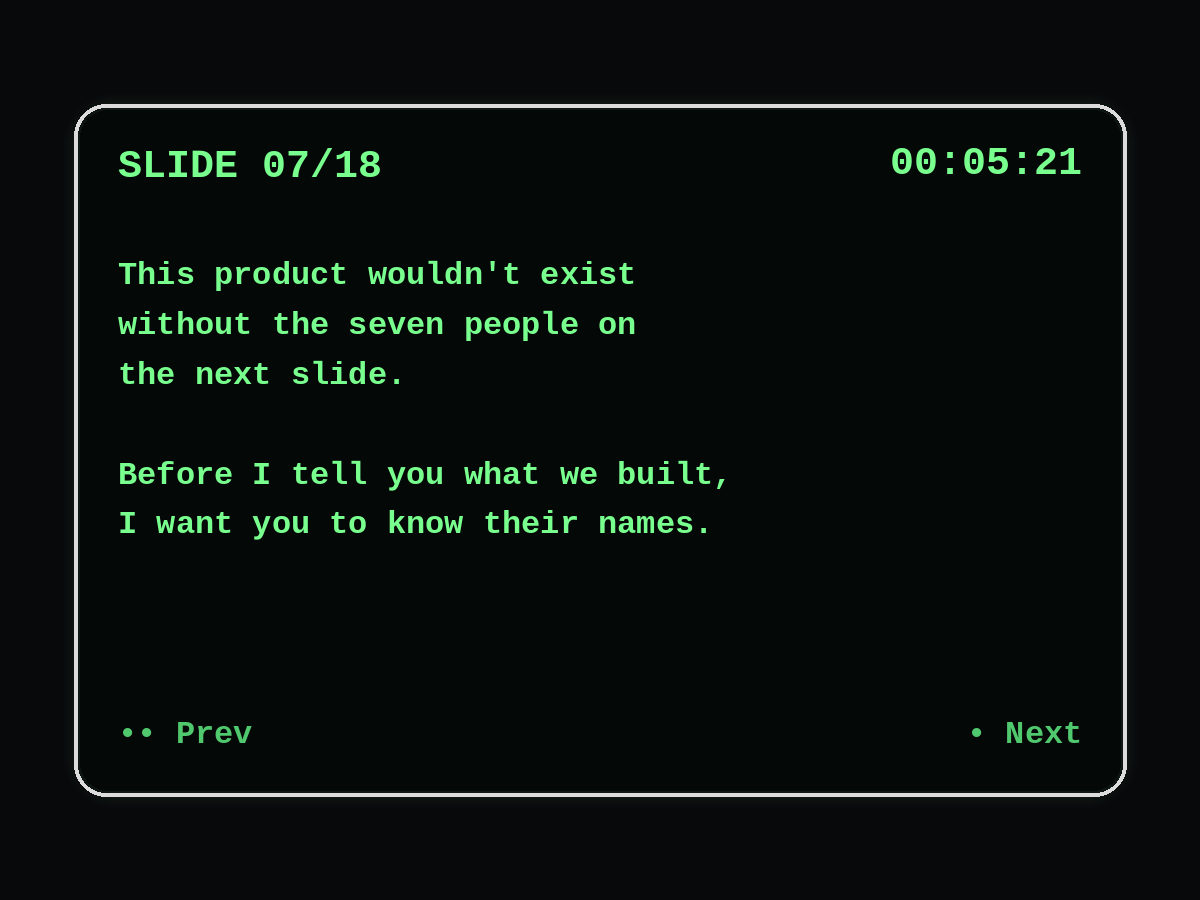


Your slide notes, in your line of sight.

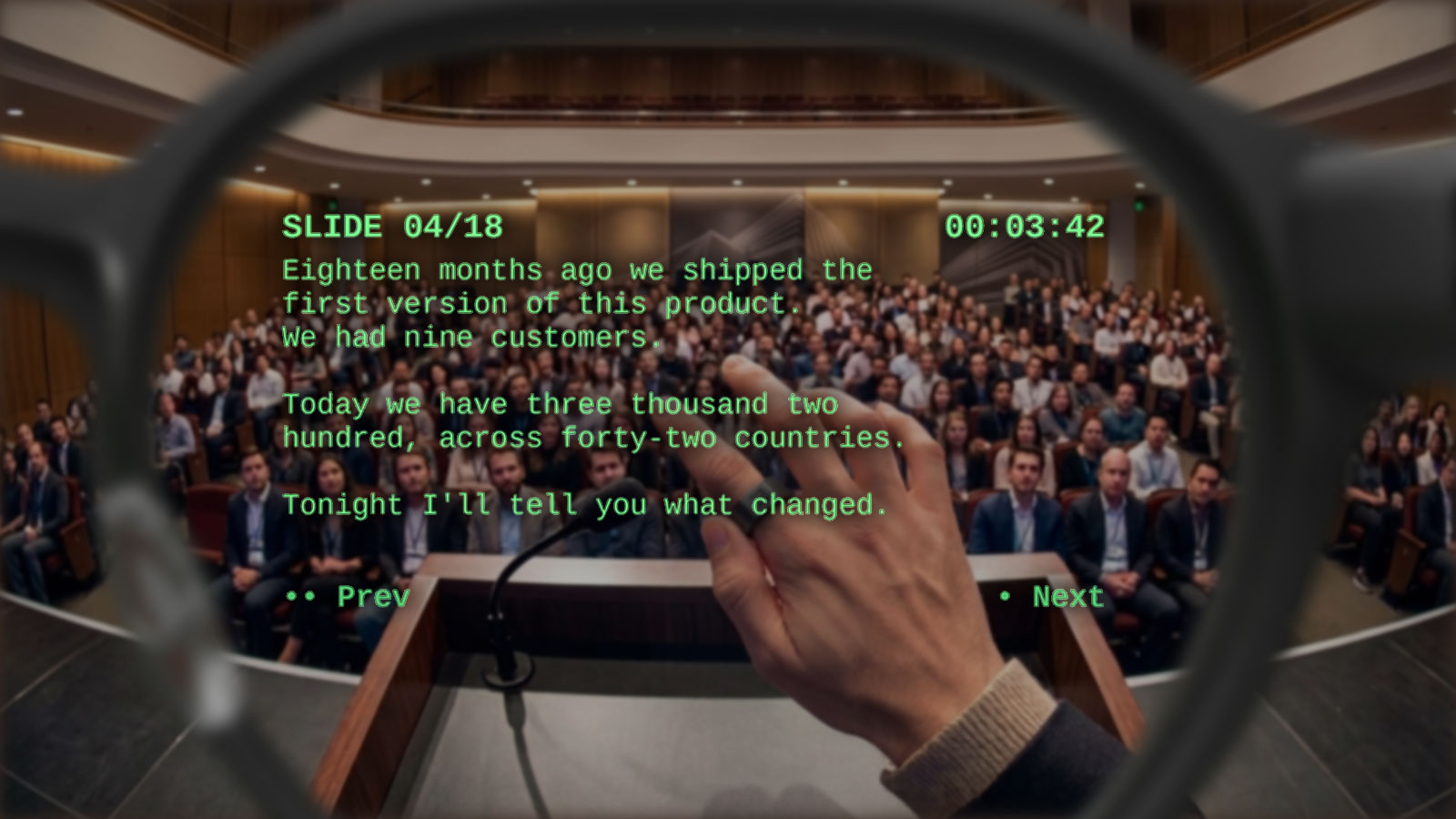
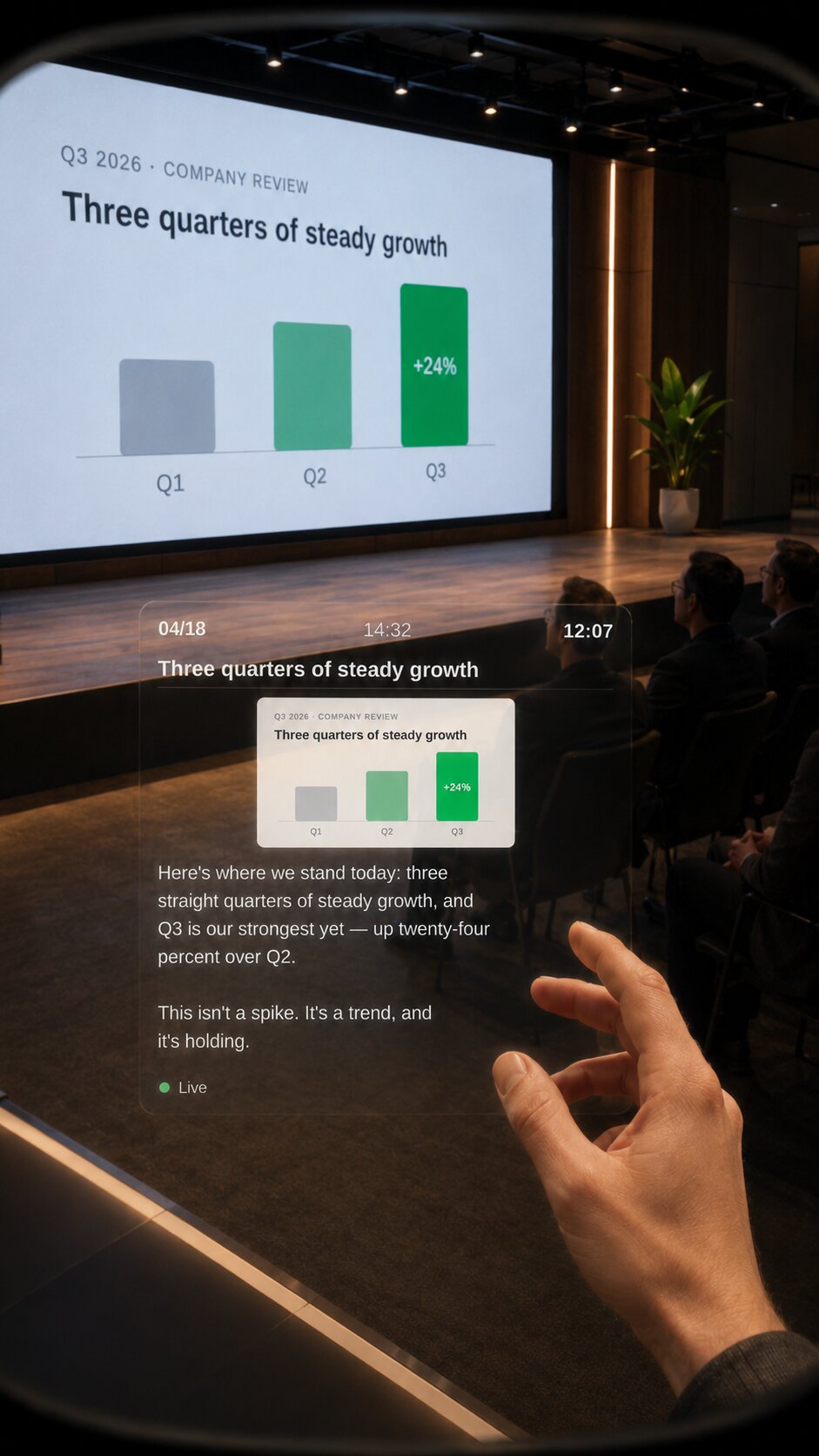
PitchBoost puts your PowerPoint and Google Slides speaker notes straight onto your Even Realities G2 smart glasses. Advance the deck with the Even Ring, keep your eye contact with the audience, never glance at a laptop again.

Open strong: tell the story of the product launch.
Remember to slow down here, the audience needs a beat.

Don't forget the demo cue — point at the screen before
hitting next.

How it works

Three pieces, zero clutter.

A phone app, a tiny desktop helper, and your G2 glasses. Each piece has one job.

1

Install & pair

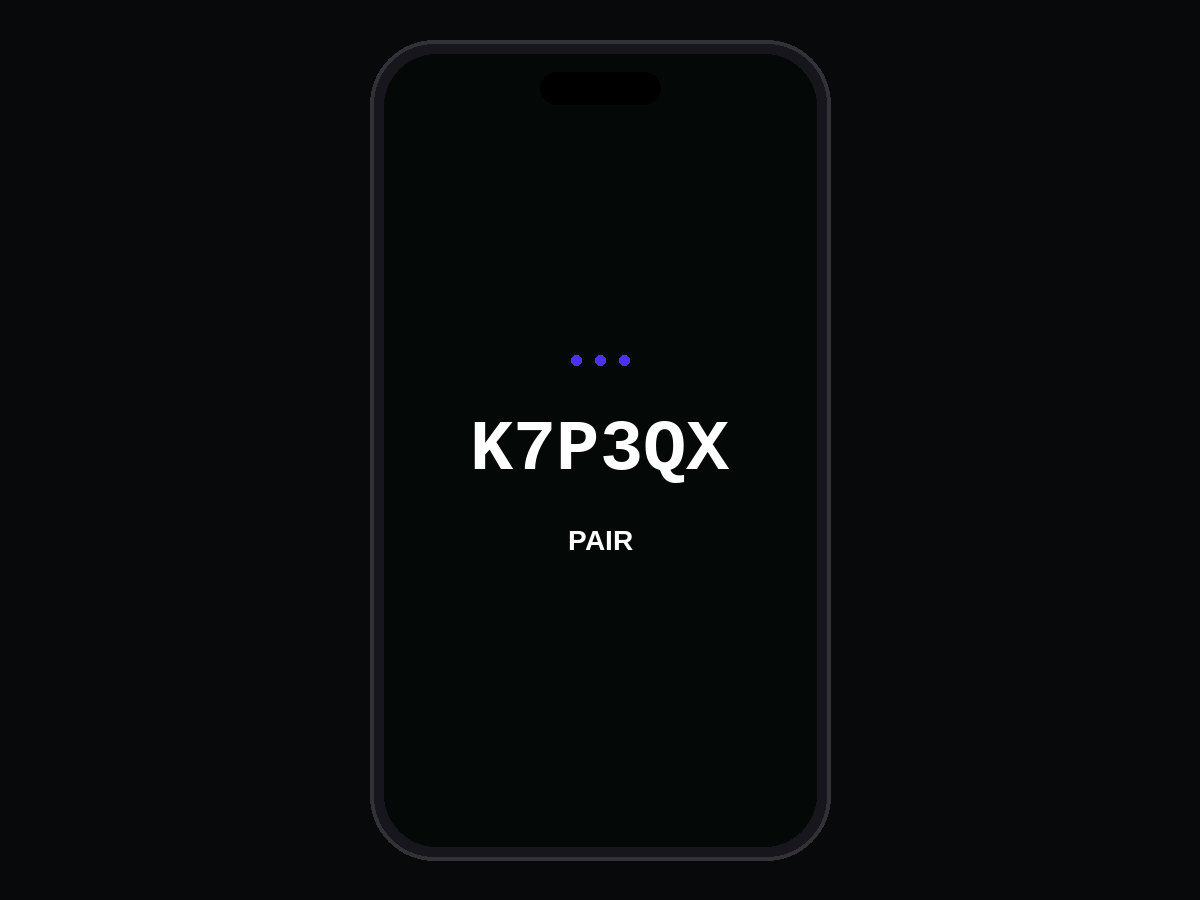
Run the desktop helper on your Mac or Windows PC, type the pairing code it shows into the PitchBoost phone app.

2

Pick your deck

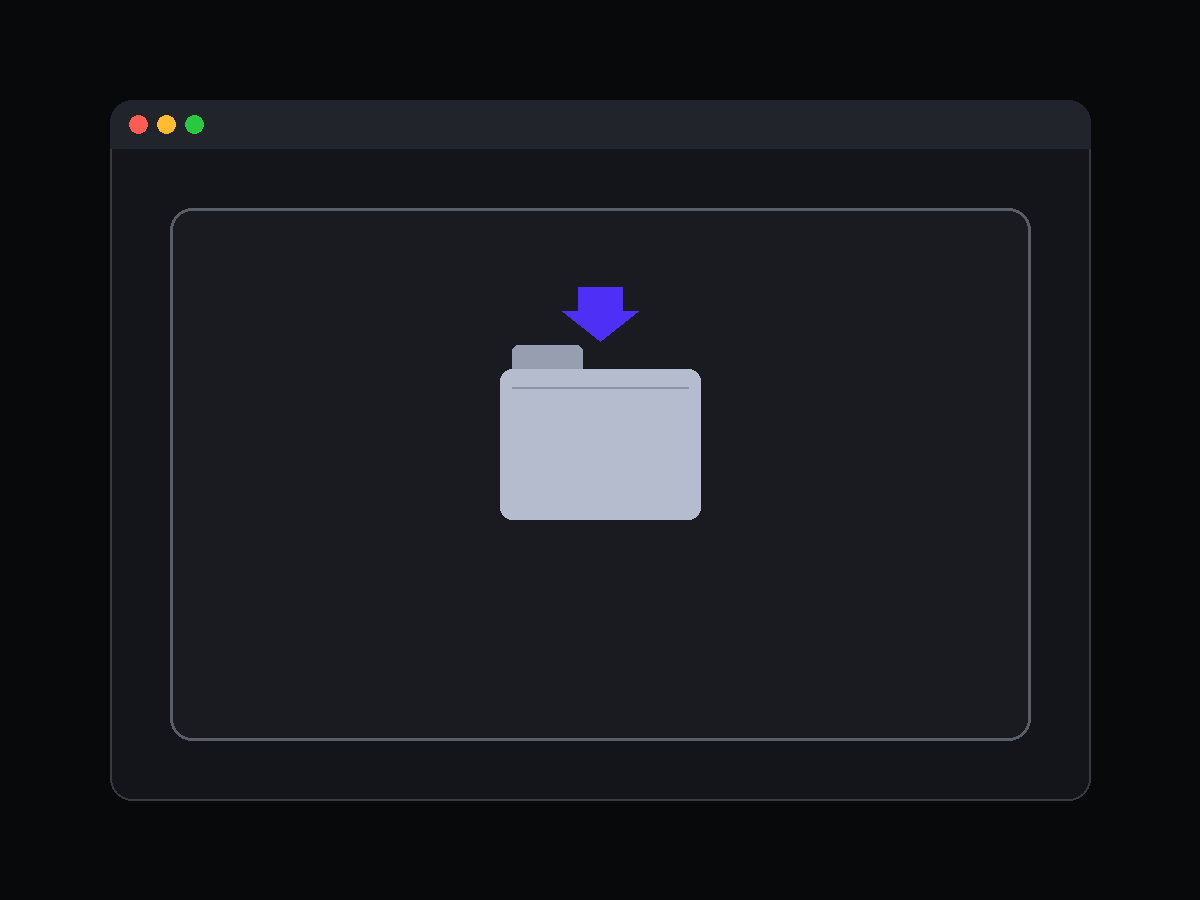
Drop a PowerPoint file on the helper, or sign in with Google to load a Google Slides presentation. Notes are parsed automatically.

3

Present

Click the Even Ring to advance, double-click to go back, scroll to read long notes. The helper keeps the phone and your slideshow in sync.

Features

Designed for presenters, not tinkerers.

Speaker notes on your glasses

Full-width, scrollable, with a slide counter and elapsed timer in the footer. Nothing else in the way.

Works with PowerPoint and Google Slides

Local .pptx files are parsed on your machine — no Microsoft account needed. Google Slides uses official APIs with your own account.

Auto-sync with animations & video

When PowerPoint needs a click to play a video or step through an animation, the helper detects that the slide didn't actually advance and keeps your notes aligned.

Safe keypress routing

The helper only sends arrow keys when PowerPoint (or your browser in Google Slides presenter mode) is the foreground window. No more accidental shortcuts fired into Slack.

Privacy by default

Your deck contents never leave your laptop and your phone except through a short-lived session on our relay. Everything expires in 6 hours.

Runs anywhere

The relay lives on Vercel so the phone and PC don't have to share Wi-Fi. Venue networks with client isolation are no longer your problem.

Download

Get the tools for your deck type

Pick the tool that matches the software running your slideshow. You only need one — you can install both later if you switch between PowerPoint and Google Slides.

PowerPoint desktop helper

Small standalone binary for macOS (Apple Silicon) and Windows 10/11. No installer, no background service. macOS (Apple Silicon) Windows x64

Built automatically via GitHub Actions on every tagged release and streamed straight from GitHub's CDN. Still on an Intel Mac? Drop us a line and we'll send you a hand-built binary.

Google Slides Chromium extension

For Chrome, Edge, Brave, Arc. Runs in the browser tab where Google Slides lives. Plain JavaScript, no build step. Download extension .zip

Open chrome://extensions, turn on Developer mode, drag the zip in. Chrome Web Store listing coming soon.

Try it on your G2

Installing the phone app

The phone app is the piece that drives your glasses. It ships as a .ehpk package for the Even Realities app — download it and install via the Even Hub on your phone.

1 · Download the package

pitchboost.ehpk — built from this repo, points at the production backend on this domain.

2 · Install via the Even Realities app

Open the Even Realities app on your phone and side-load the .ehpk you just downloaded. The glasses pick up the new app over Bluetooth LE automatically.

3 · Pair with your PC tool

Start the desktop helper (PowerPoint) or the Chromium extension (Google Slides), copy the 6-character code it shows, and type it into the phone app. The glasses jump into live mode as soon as a deck is loaded.

No glasses handy? Preview in your browser

Open pitchboost.io/app on your phone or laptop. The phone app detects it's running outside the Even Realities WebView and falls back to a mock SDK where the Right / Left / Up / Down arrow keys stand in for the Even Ring. Every screen and every interaction works against the real backend — it's the fastest way to test the flow without hardware.

Pricing

One license, all your decks.

PitchBoost
€39 one-time
  • Unlimited presentations
  • PowerPoint & Google Slides
  • macOS, Windows & Chromium extension
  • Free updates
  • 14-day money-back guarantee